

The main till
A full station or a compact unit, depending on the counter, with peripherals in reach.

Point of sale, menu and inventory, peripherals, reservations, payment terminals, reporting, and multi-store management.
POS is the center of what Perfectsols puts in the room. Around it sit menu and inventory, peripherals, reservations and appointments, payment terminals, dashboards, and multi-store control — one offering, from the counter to every location.
The floor
POS is the center of what Perfectsols puts in the room. Around it sit menu and inventory, peripherals, reservations, payment terminals, dashboards, and multi-store control.
A working room is more than a screen on a counter. The station takes the order. The menu and the shelf stay on the same record. Kitchen printers and displays fire the ticket. Reservations hold the table. Payment terminals close the check. Reports read the day. A second location still belongs to the same offering.
Perfectsols builds this for restaurants, cafés, retail, grocery, and service businesses that need one conversation for the floor — not a pile of disconnected tools.
Walk the categories on this page the same way you would walk the room: start at the till, then the board, the kitchen, the book, the close, the dashboard, and the other stores.
Who this is for
A full station or a compact unit, depending on the counter, with peripherals in reach.
Menus, modifiers, and inventory that move when the ticket is taken.
Reservations, payment away from the register, reports, and a second location on the same system.
How the room runs
Stations for the counter and the kiosk — the piece of the floor most rooms mean when they say POS.
The board, the shelf, and the peripherals that fire the ticket.
Reservations, payment terminals, dashboards, and multi-store control next to the till.
The till at the center of the room.
This is the station Perfectsols puts on the counter or the kiosk. Orders, tickets, and payment meet here — the piece of the floor most restaurants mean when they say they need a POS.
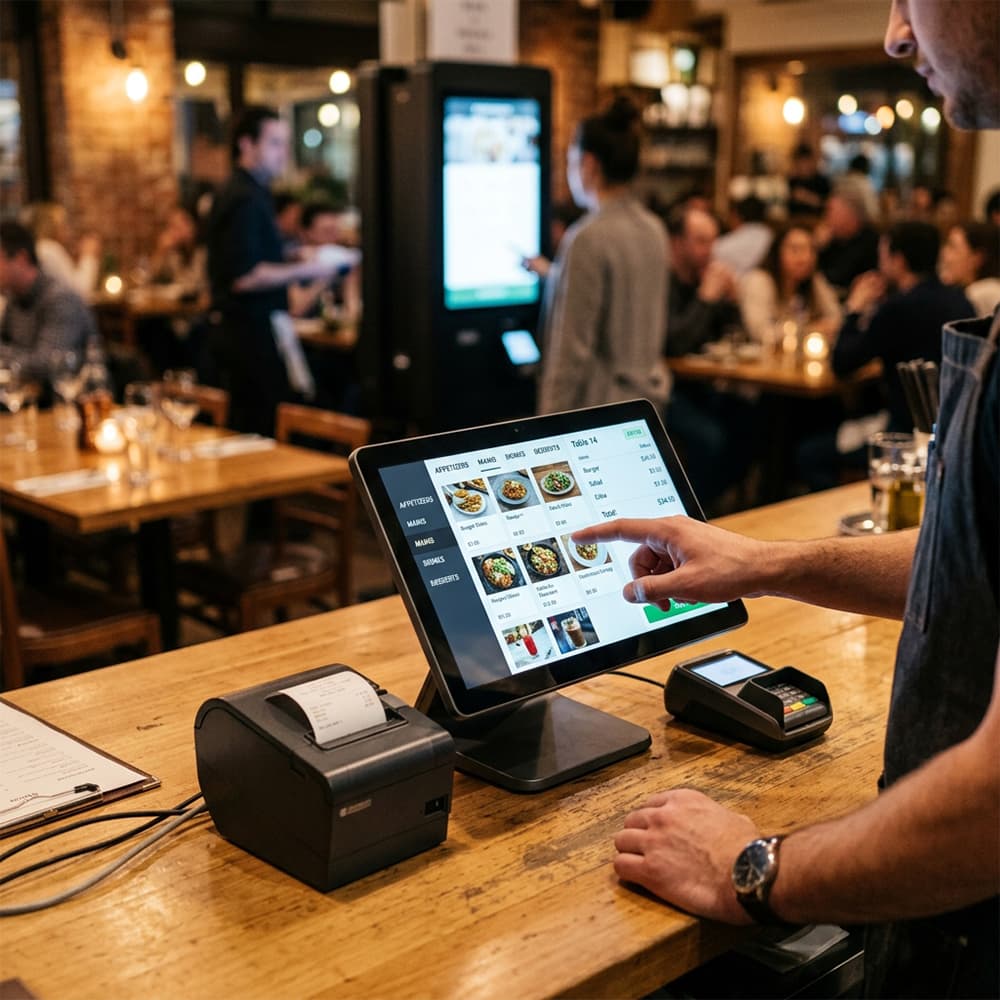
Counter station
The full counter station for the main till. Orders, tickets, and payment meet here — the piece of the floor most restaurants mean when they say they need a POS.
.png&w=1920&q=75)
Guest kiosk
A guest-facing kiosk so the line can order without waiting on a cashier. Useful in quick service and anywhere the counter is the bottleneck.
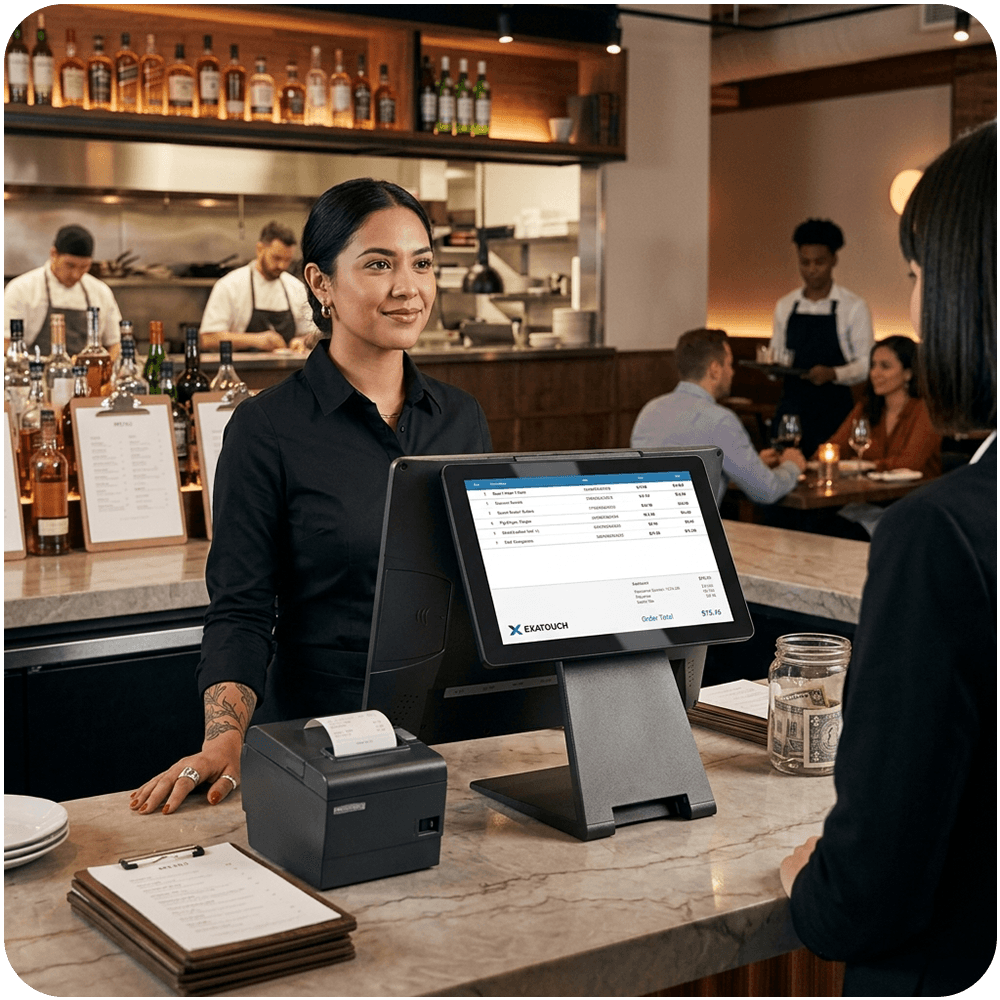
Counter POS
A dedicated counter POS for restaurants and retail that need a station at the till — ticket and payment in one place on the desk.
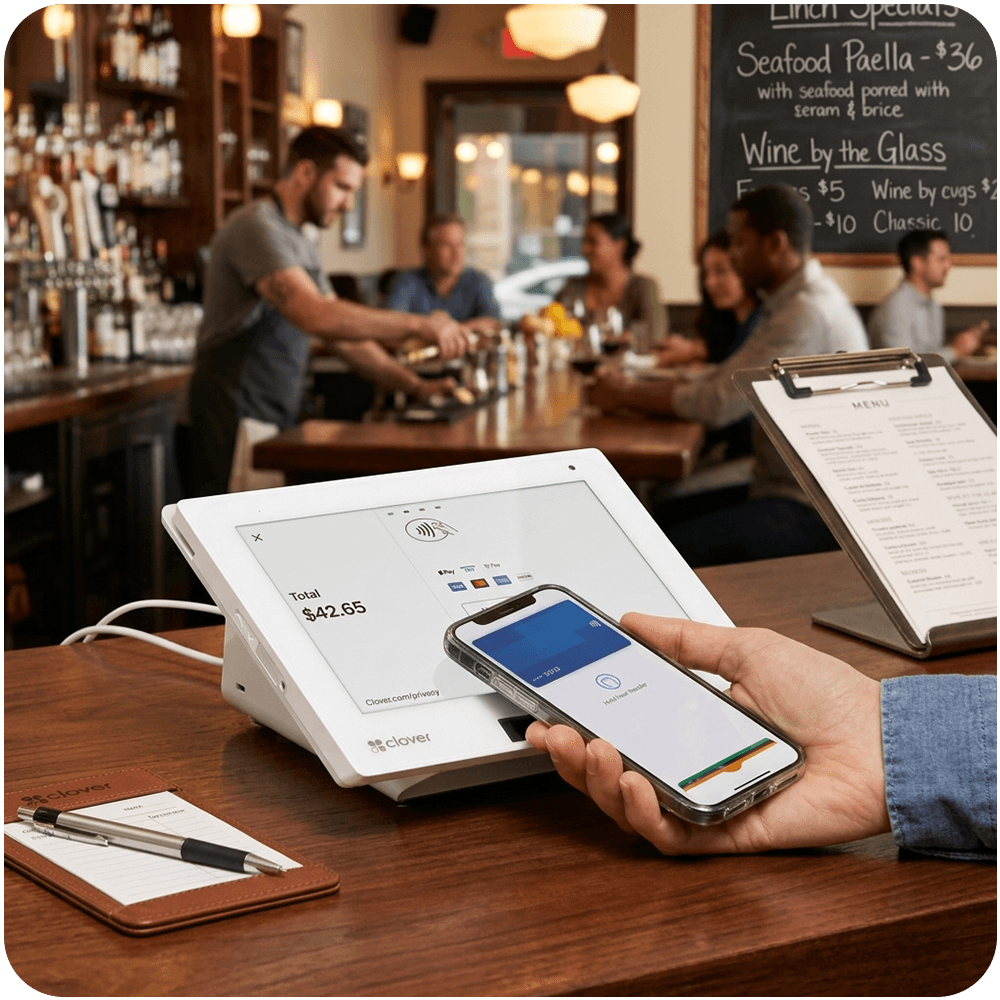
Compact counter
A smaller counter unit when the till does not have room for a full station. Same job as the main register, smaller footprint.
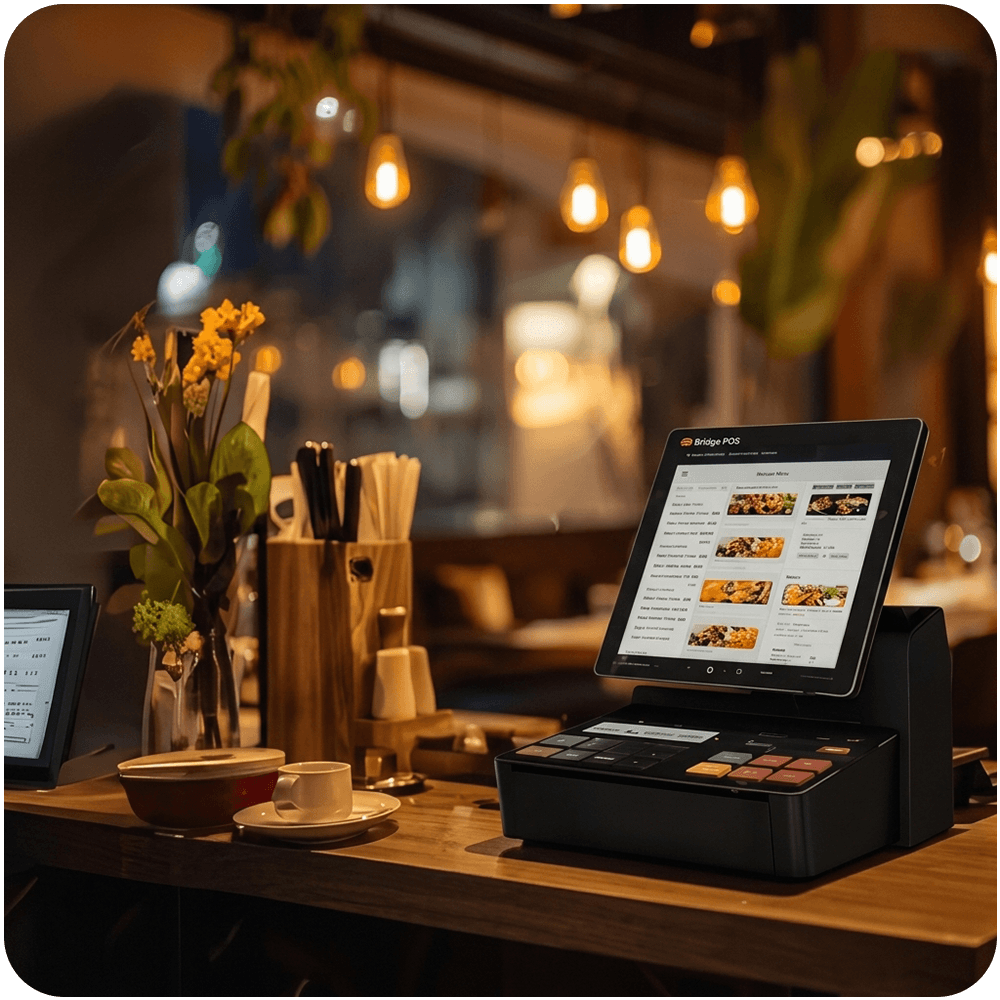
Counter POS
A counter POS for the main register. Perfectsols places it with the rest of the stations when the room needs a dedicated till.
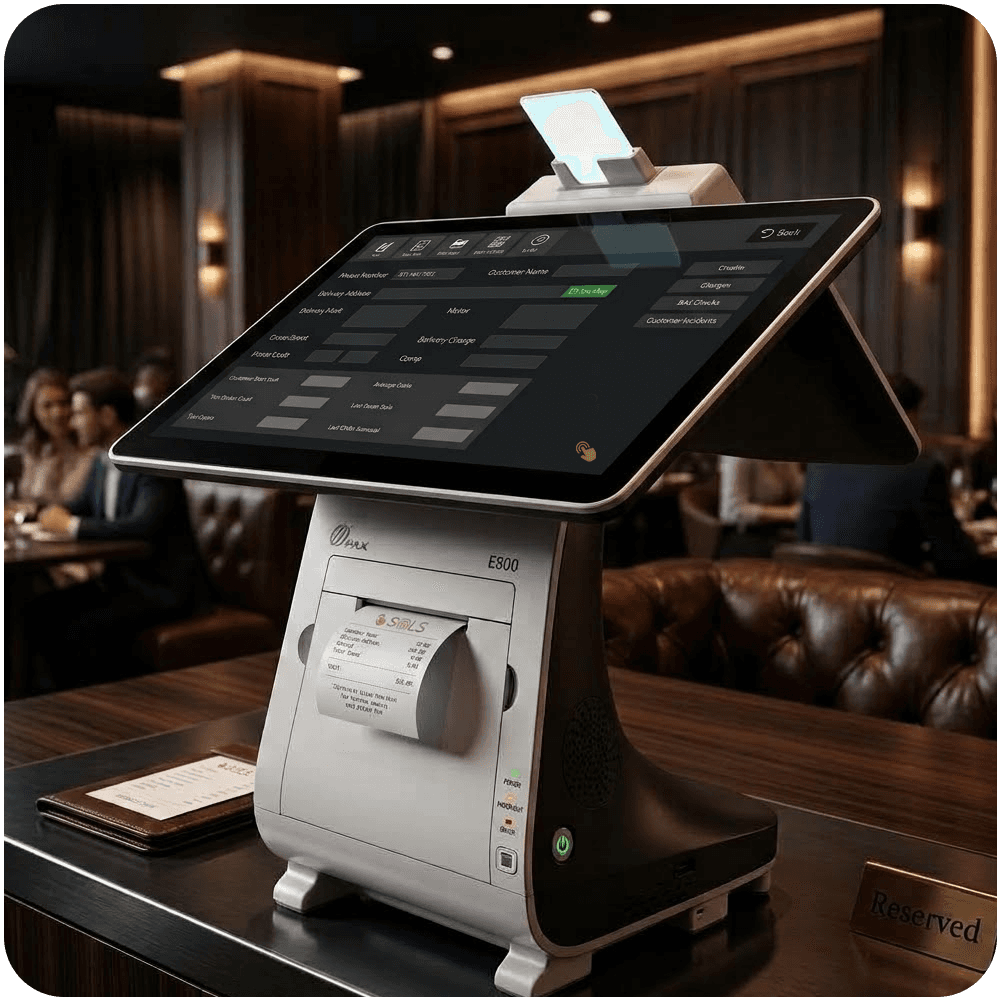
All-in-one
An all-in-one unit: screen and payment acceptance in a single footprint, for counters that should not carry a separate pad.
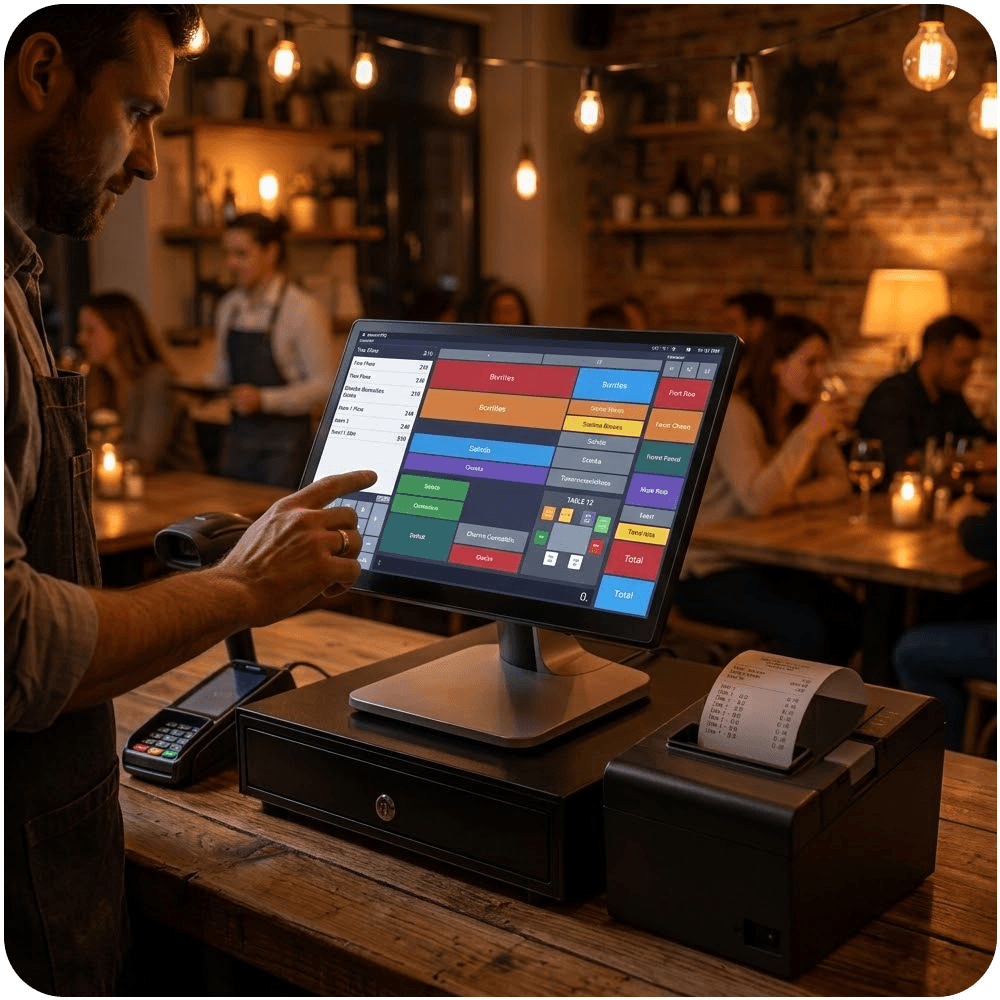
Tablet POS
A tablet-style POS for counters that need a lighter station. Useful where a full tower would crowd the desk.
Menus, modifiers, and stock on the same record as the ticket.
What is on the menu has to match what is on the shelf. Perfectsols keeps recipes, modifiers, and inventory with the sale, so an 86’d item is not still on the screen and a sold unit is not still in the count.
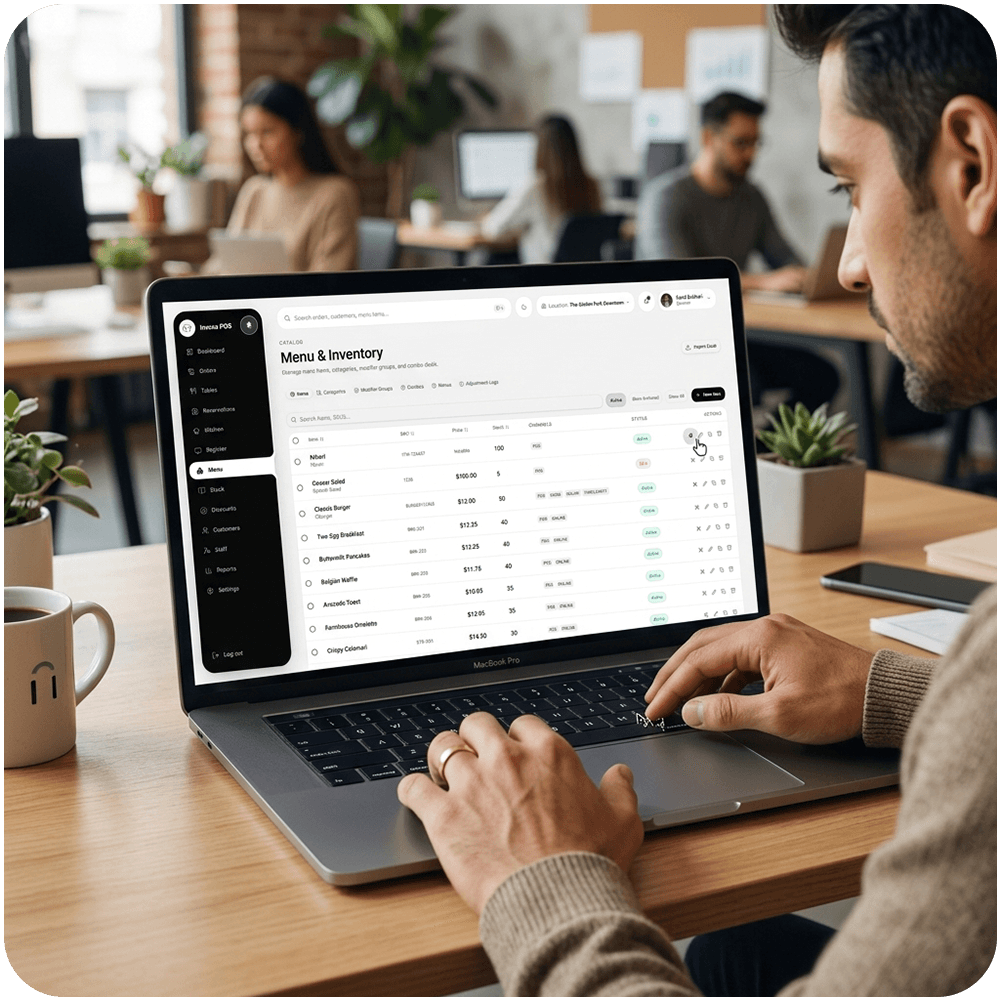
The board
Build the menu, modifiers, and prices in one place so every station rings the same ticket — counters, kiosks, and a second room included.
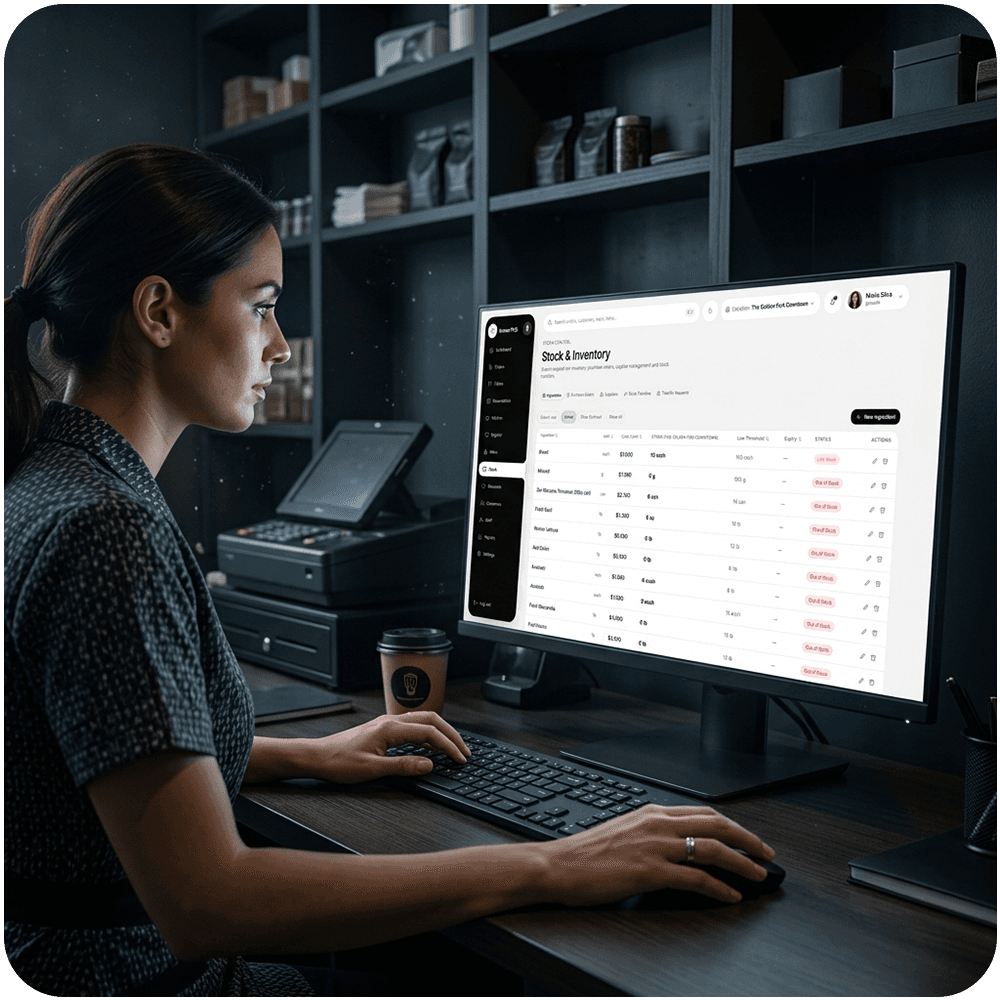
The shelf
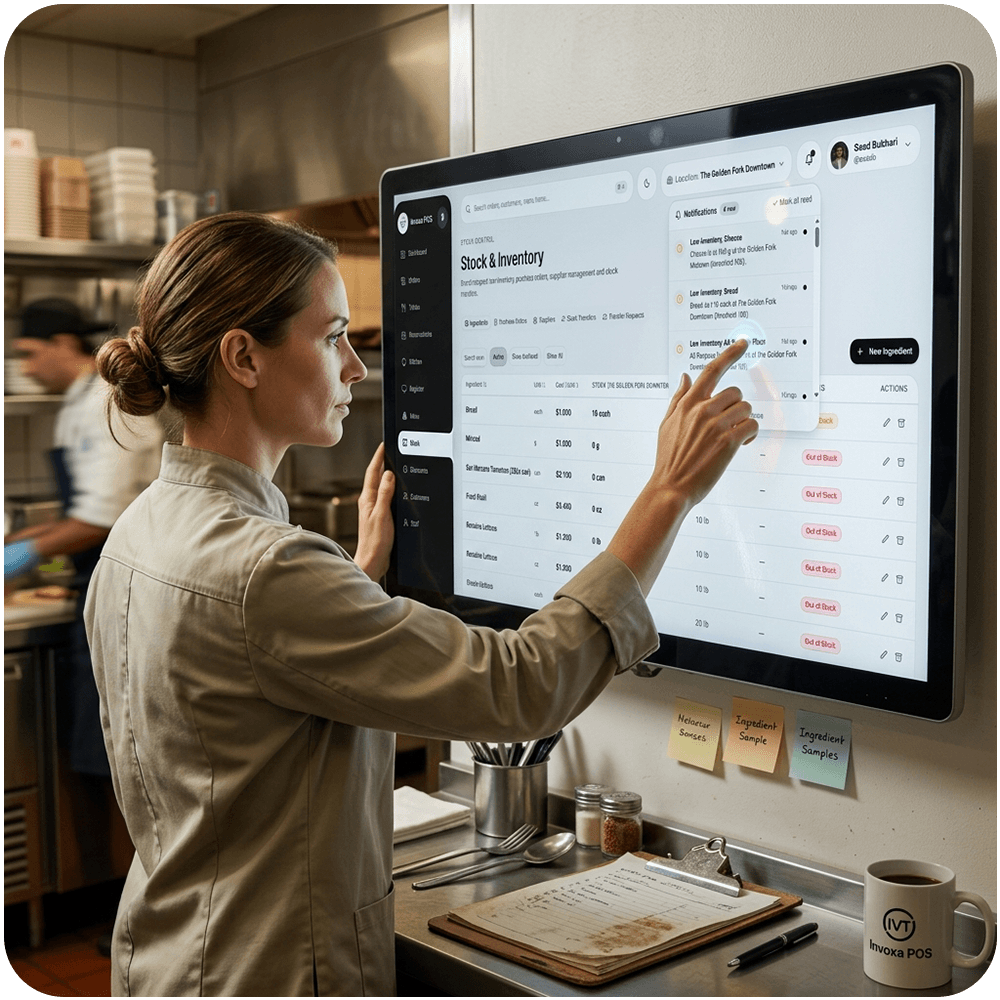
Stock moves when the sale is made. Counts stay current without a second spreadsheet sitting next to the till.
The back room
Know when an item is running out before the ticket has to say it is gone. Alerts follow the same inventory the POS already sold.
Kitchen printers, displays, scales, and scanners.
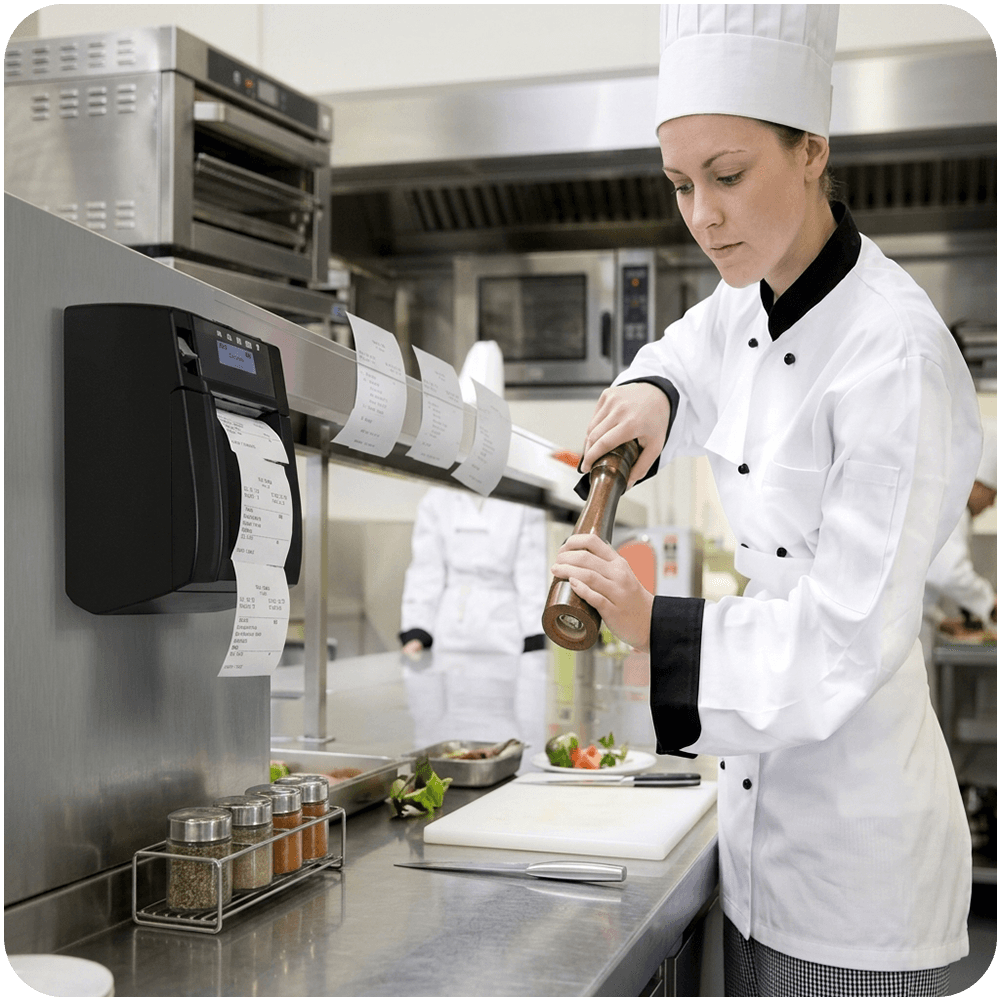
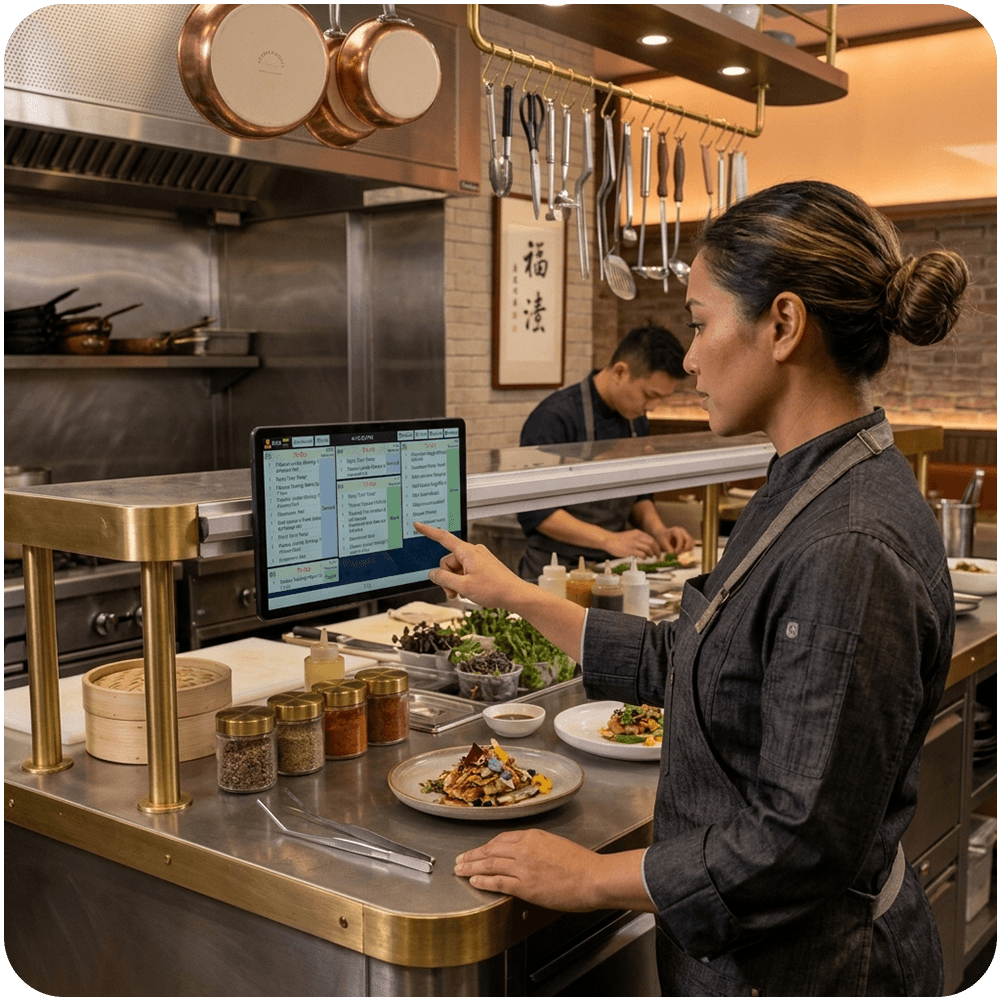
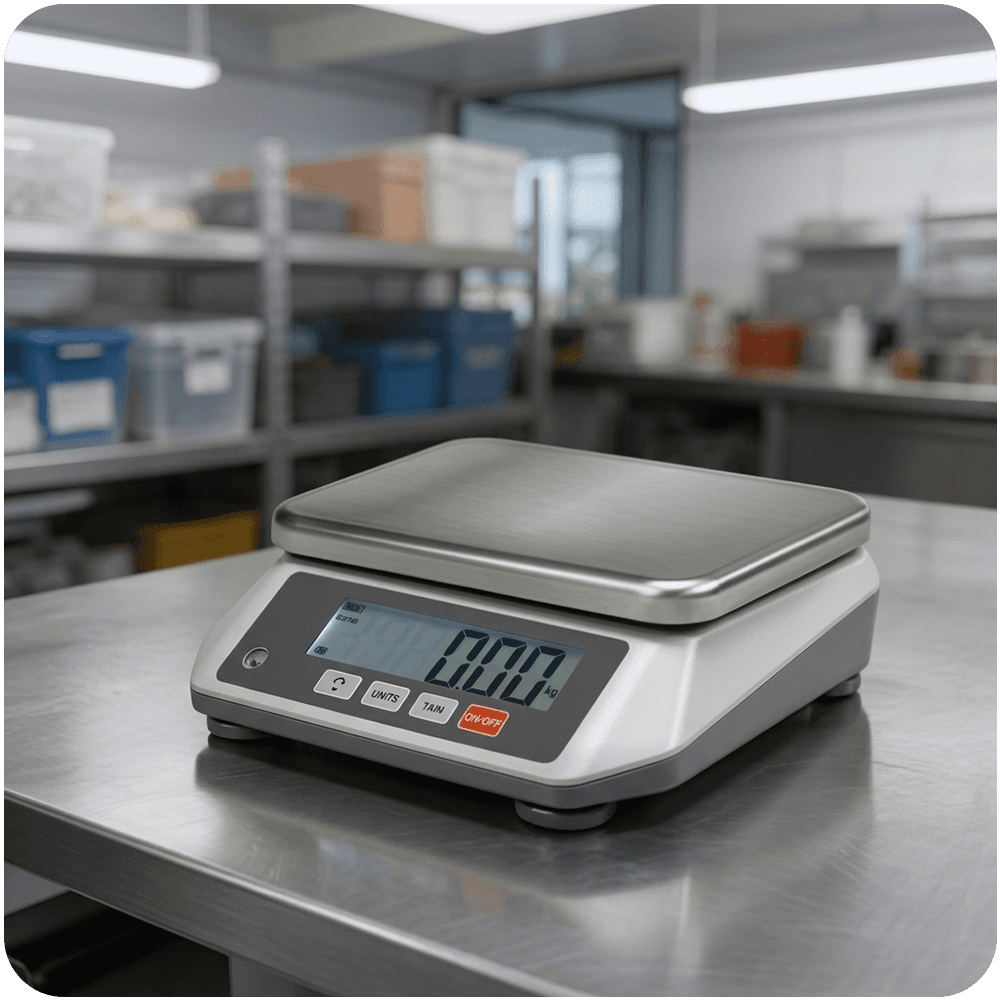
The station is only half the room. Kitchen printers and kitchen displays fire the ticket. A weighing scale, barcode scanner, label printer, and ticket and inventory scanner keep the shelf and the line in step with what was sold.
Kitchen
Prints tickets in the kitchen as soon as the order is fired from the till, so the line is not waiting on a shout from the counter.
Kitchen
Screens on the line that show the ticket instead of paper. The kitchen cooks from the display, and the counter stays in view of what is still open.
Counter
Weighs and prices items at the counter, then sends the amount onto the ticket. Built for grocery, deli, and anywhere sale weight is part of the order.
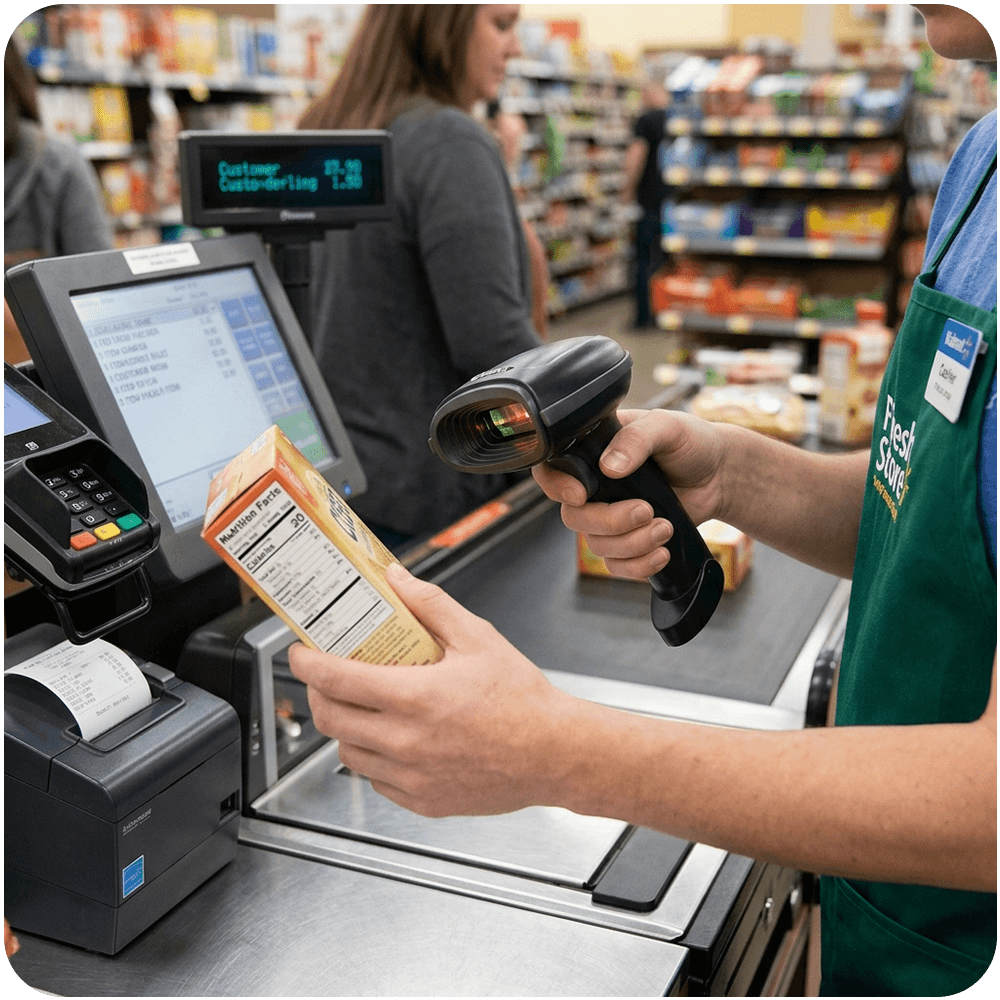
Counter and stock
Reads SKUs at checkout and when you count stock, so the till and the back room stay on the same numbers.
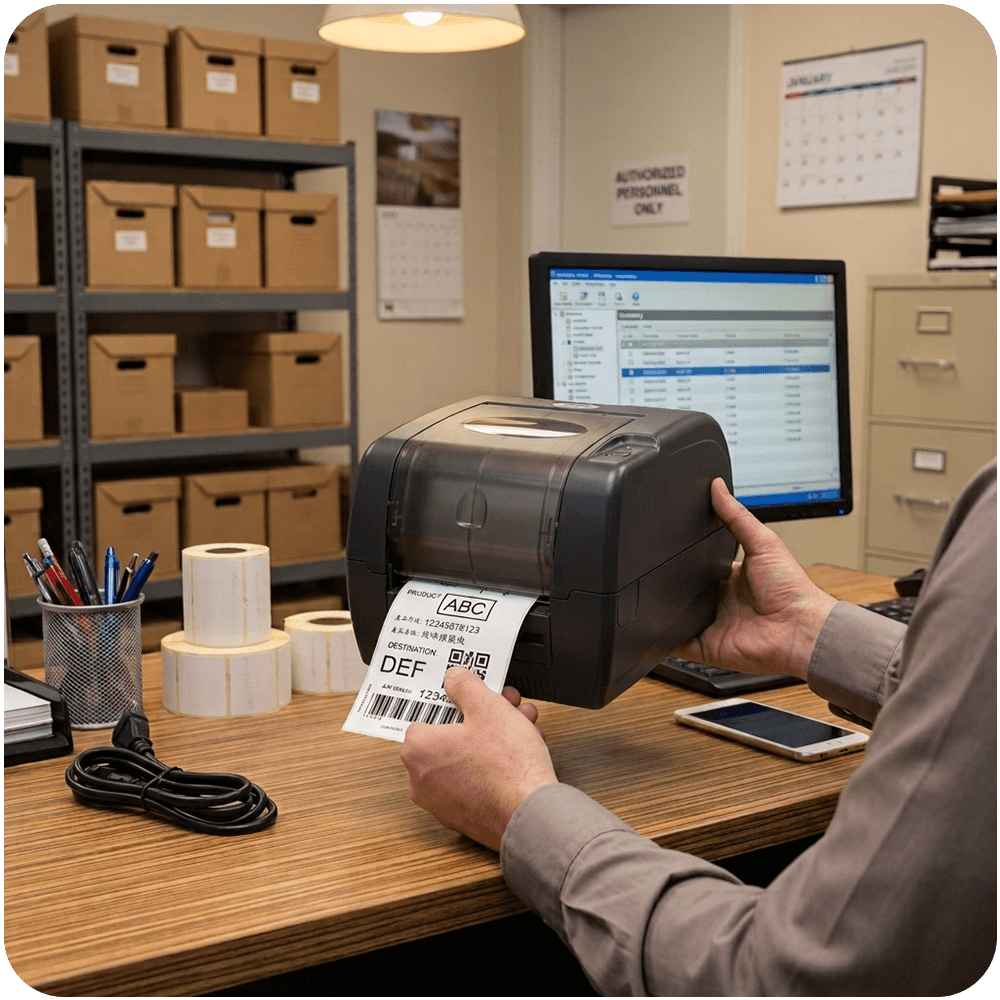
Stock
Prints labels for shelves, bags, and prep so the floor and the stock stay marked after the ticket is closed.
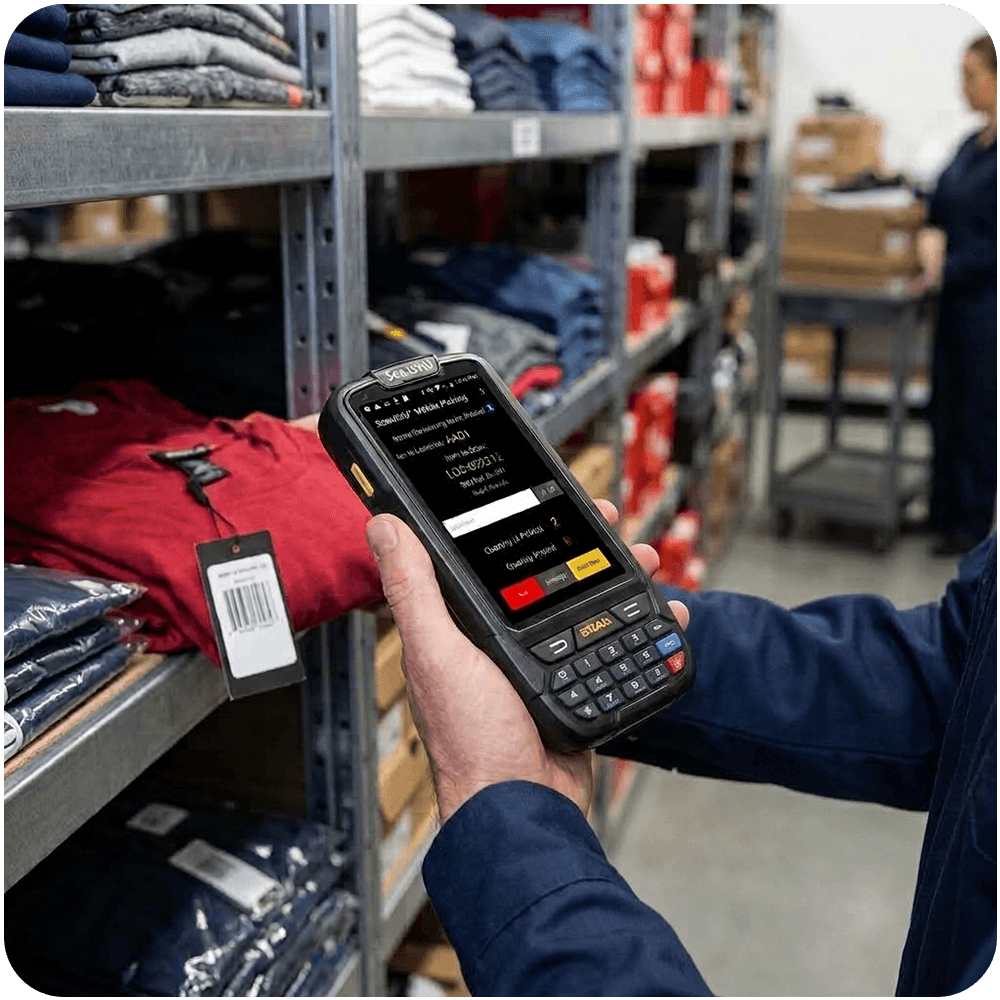
Tickets and stock
Scans tickets and inventory so counts and orders stay on the same record — receiving, counting, and the sale in one flow.
Tables, chairs, and the wait list on the same system as the till.
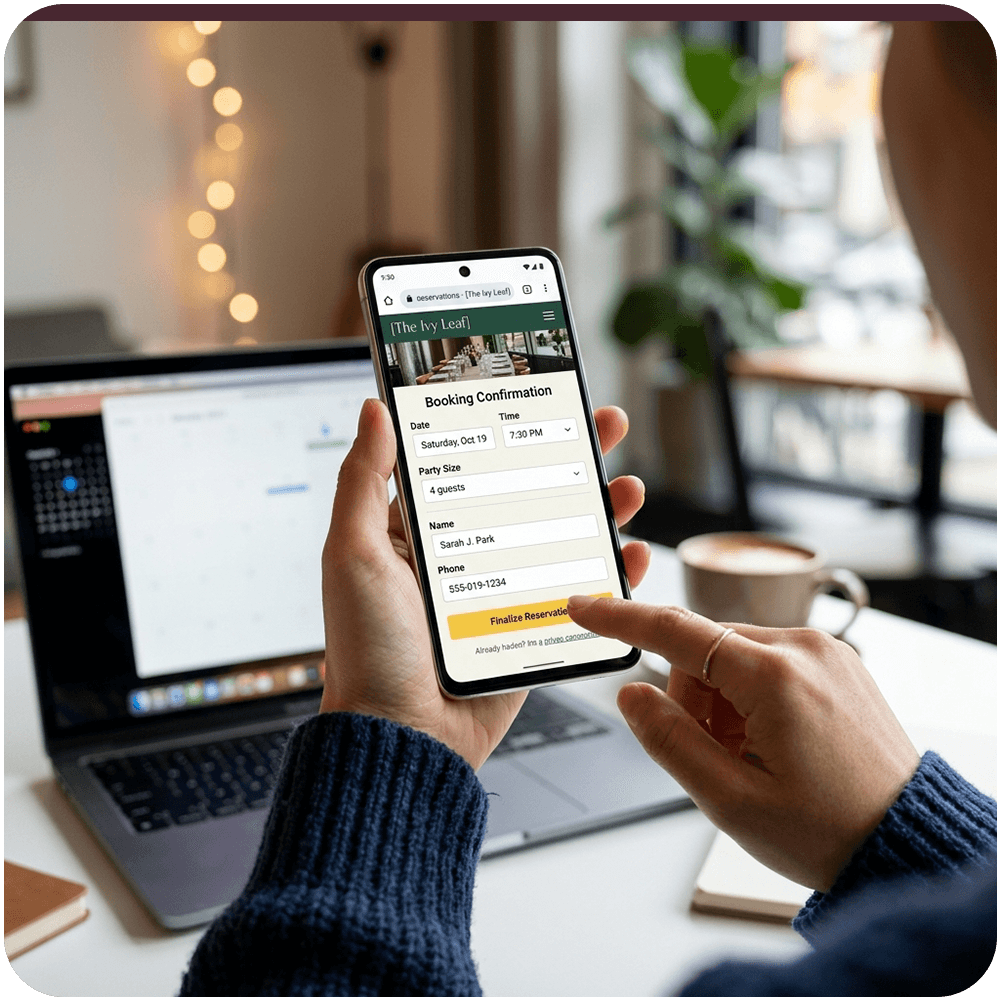
A reservation is not a separate product from the POS. Perfectsols keeps the book — tables for the dining room, appointments for the chair — next to the ticket so the floor is not running two calendars.
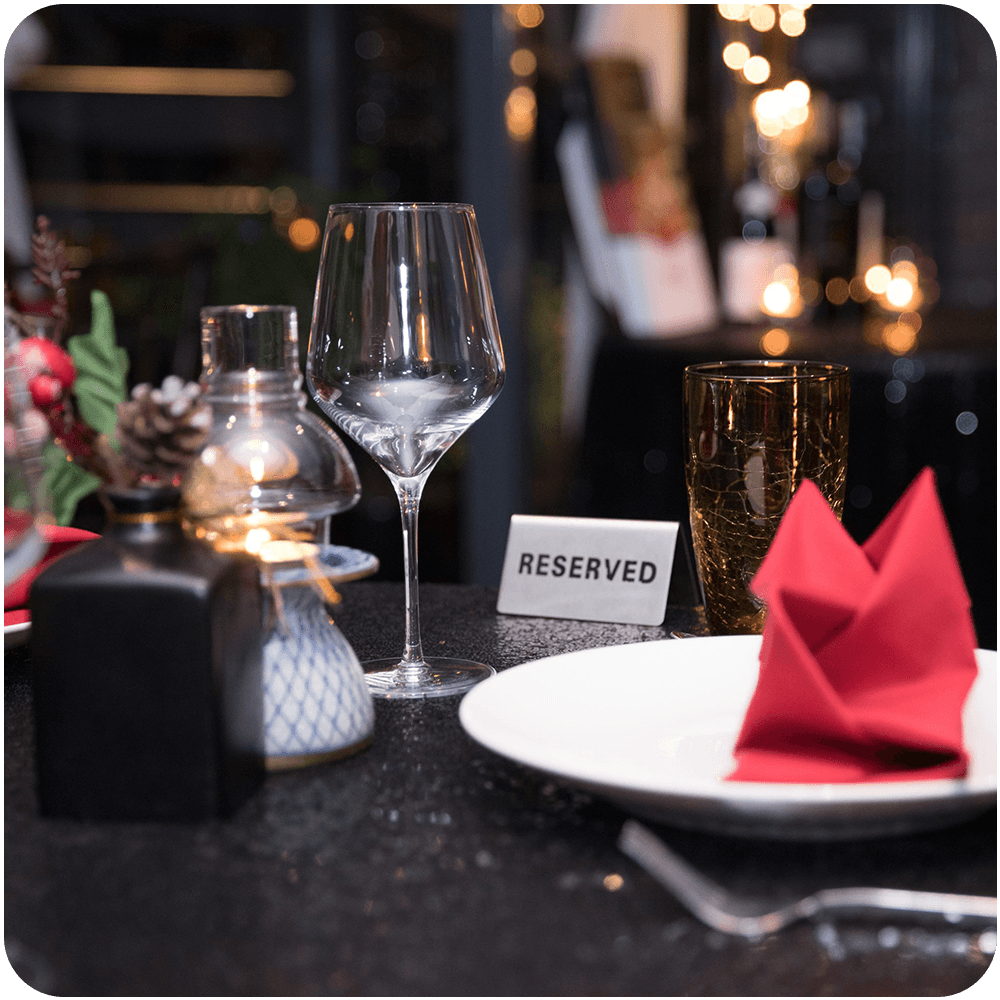
The dining room
Hold a table, seat the room, and keep the wait list on the same system as the till — not a paper book beside it.
The chair
For salons, spas, and service rooms: book the chair, the service, and the payment without a second calendar.
Wireless and desktop terminals on the same ticket as the POS.
Payment can sit on the counter, walk the floor, or happen with no terminal at all. Perfectsols ties wireless and desktop terminals, virtual payment acceptance, and e-commerce integration into the same offering as the till — so the close is not a second system.
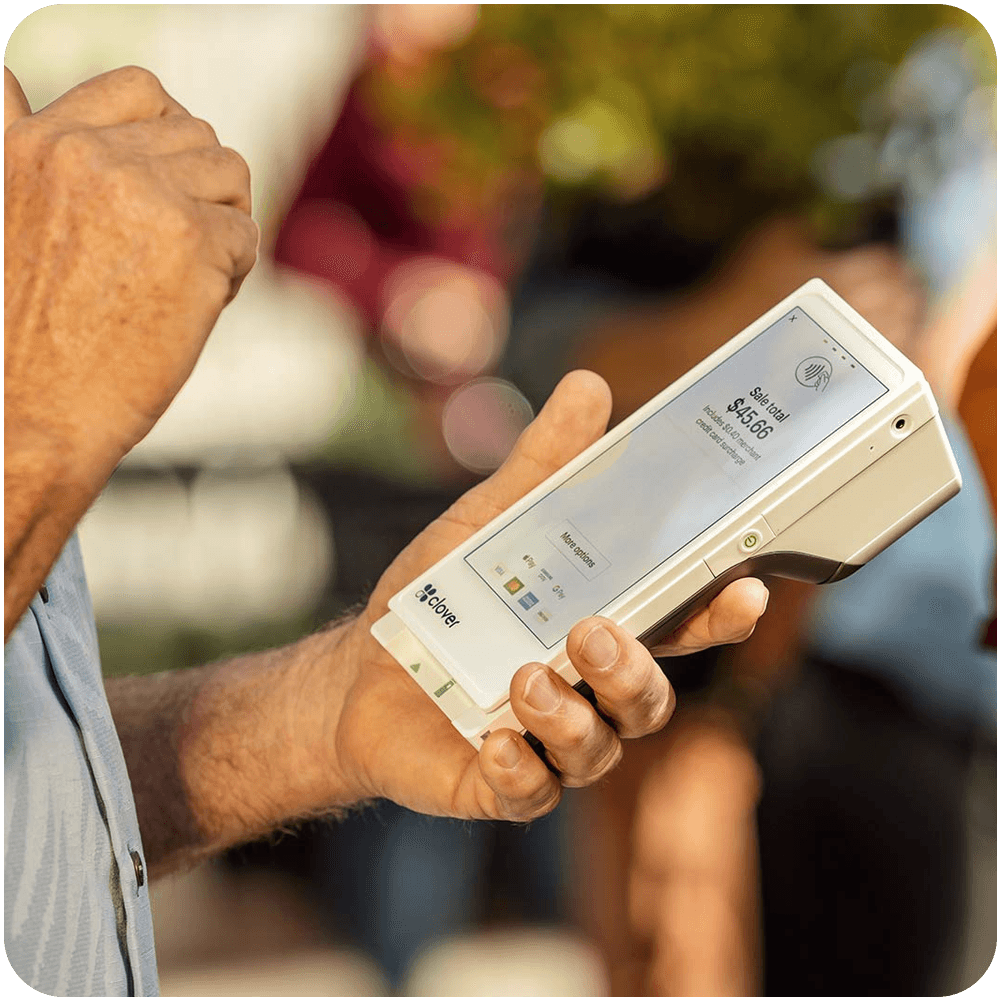
Tableside
A handheld terminal for tableside payment. The guest pays where they sit, and the check does not wait on a walk to the till.
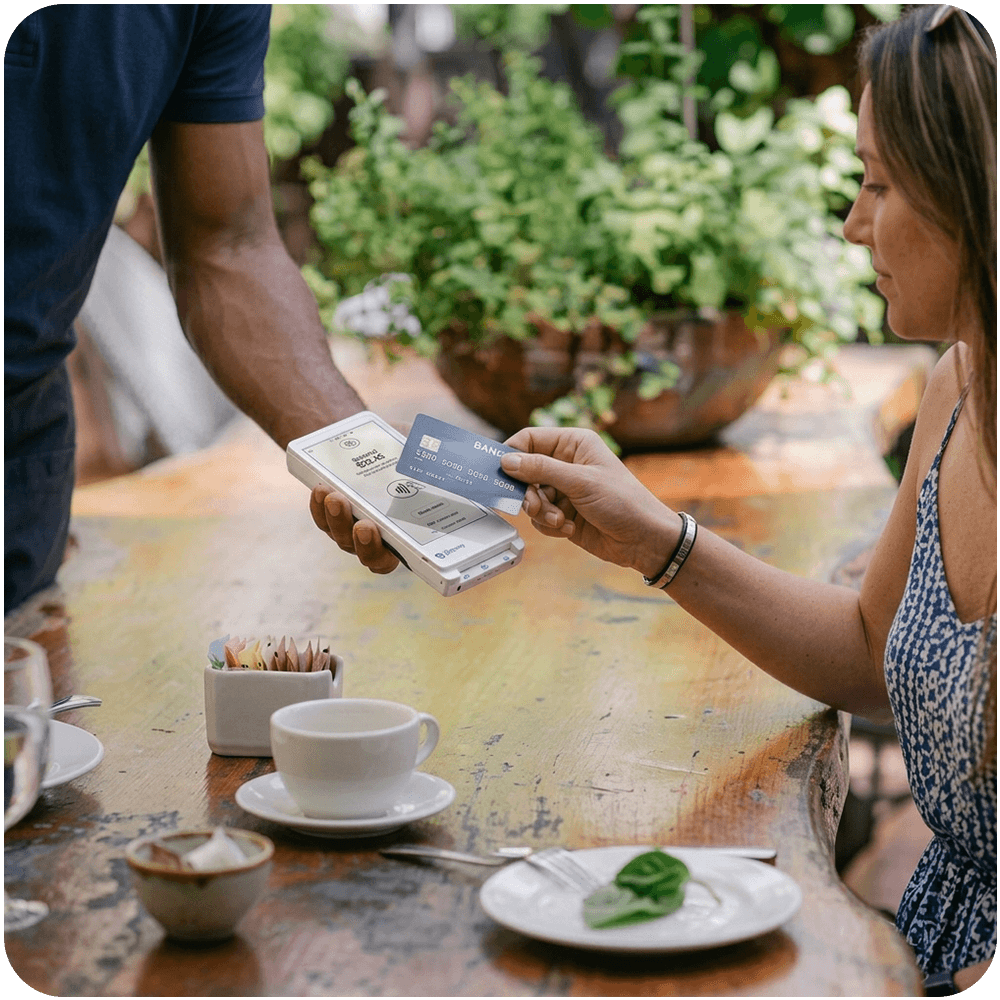
Wireless
A compact wireless terminal that stays with the staff on a busy floor — pocketable when a full handheld is more than the shift needs.
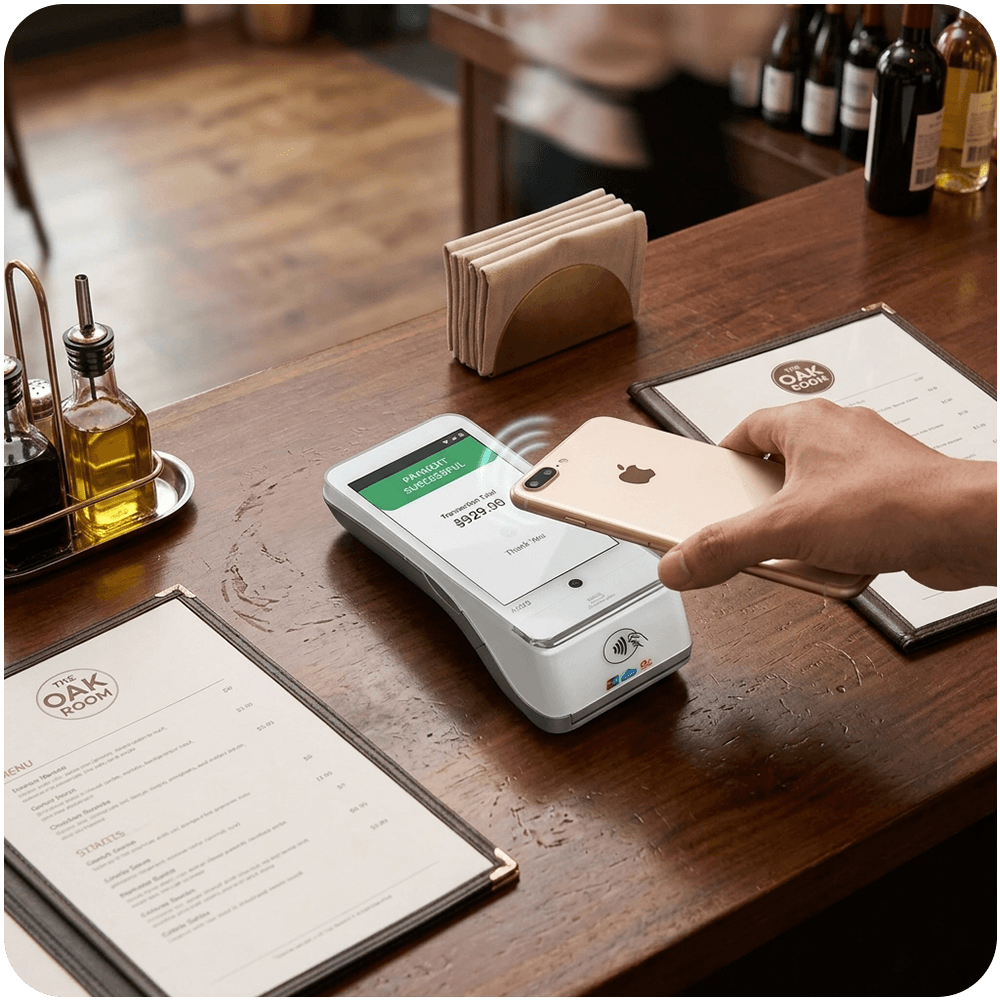
Handheld
A handheld payment terminal with a screen, for staff who walk the room and need to take payment away from the counter.
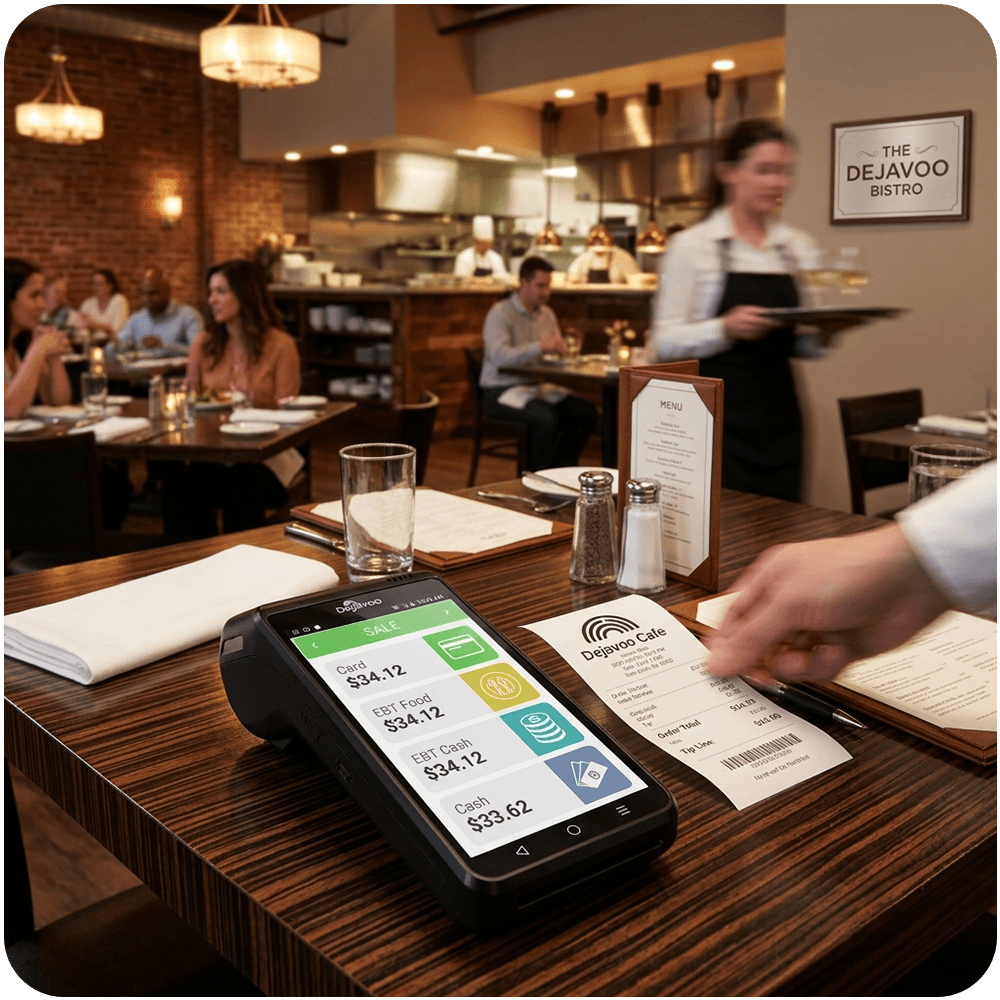
Wireless
A wireless payment terminal for the floor, when the till is not where the guest is. Same job as the other handhelds in this list, matched to the room.
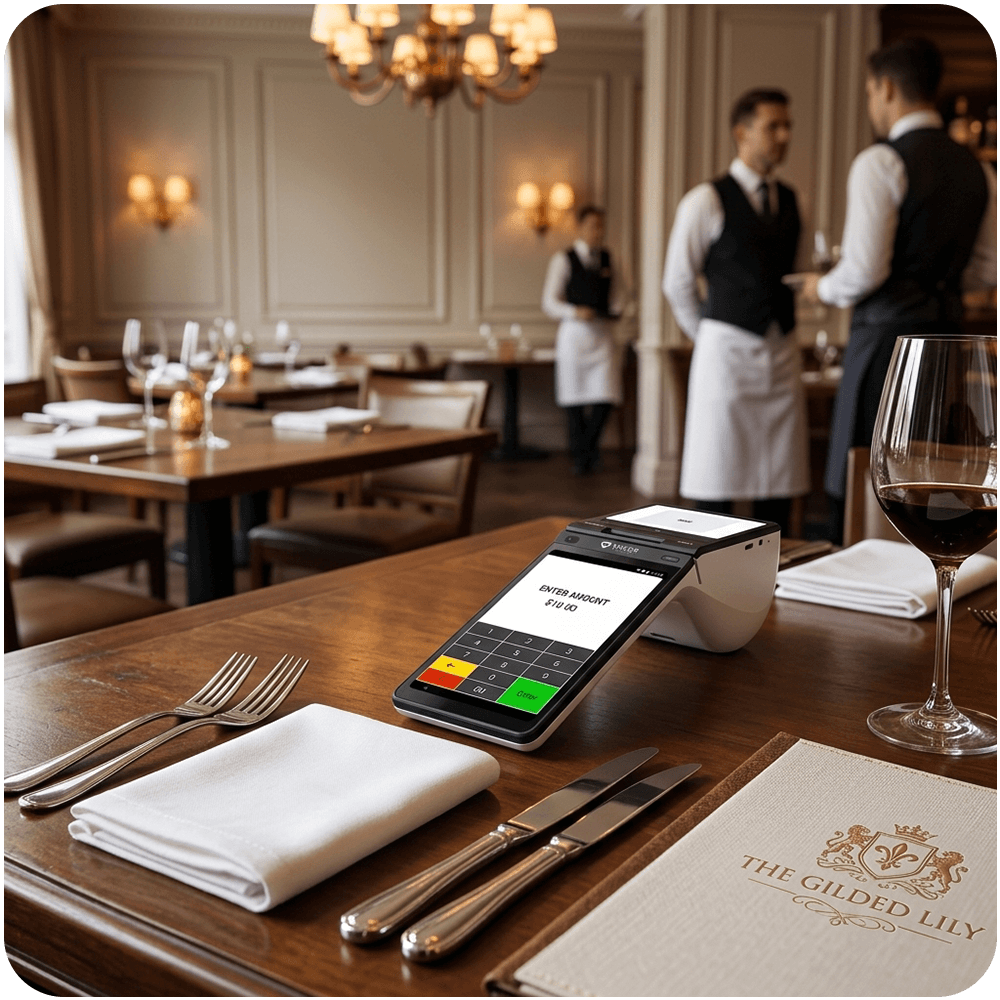
Wireless
A wireless terminal for taking payment away from the counter — tableside, queue, or anywhere the staff already are.
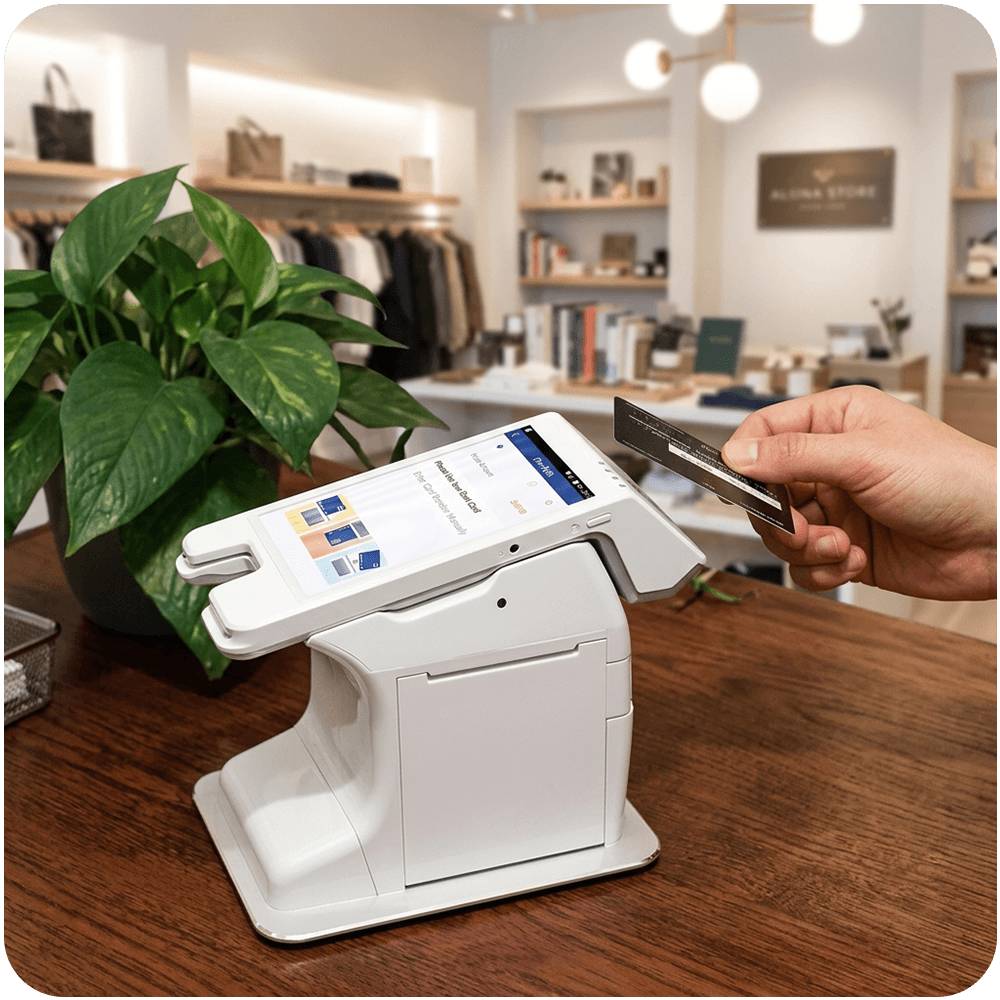
Compact wireless
A small wireless terminal for quick payment on the move, when the shift needs a lighter unit than a full handheld.
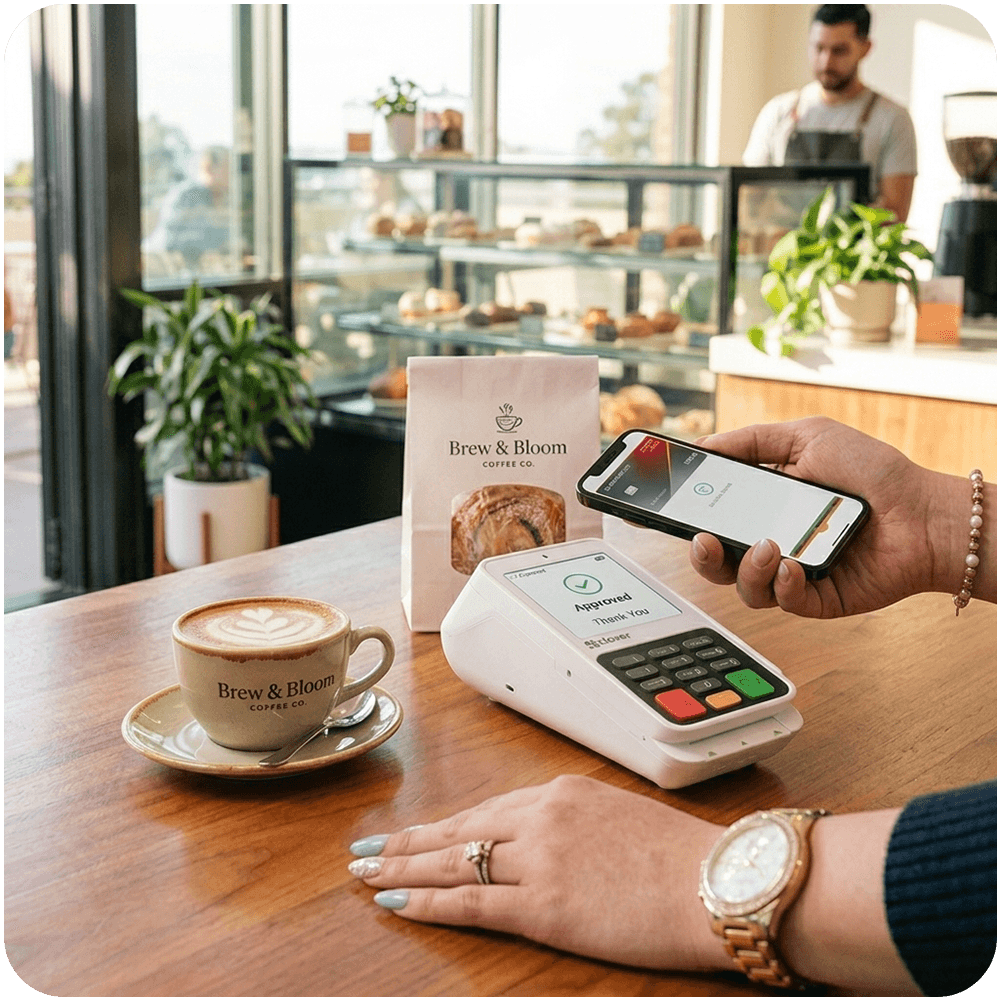
Desktop
A desktop terminal that stays on the counter for card and wallet payments, next to the POS rather than in a pocket.
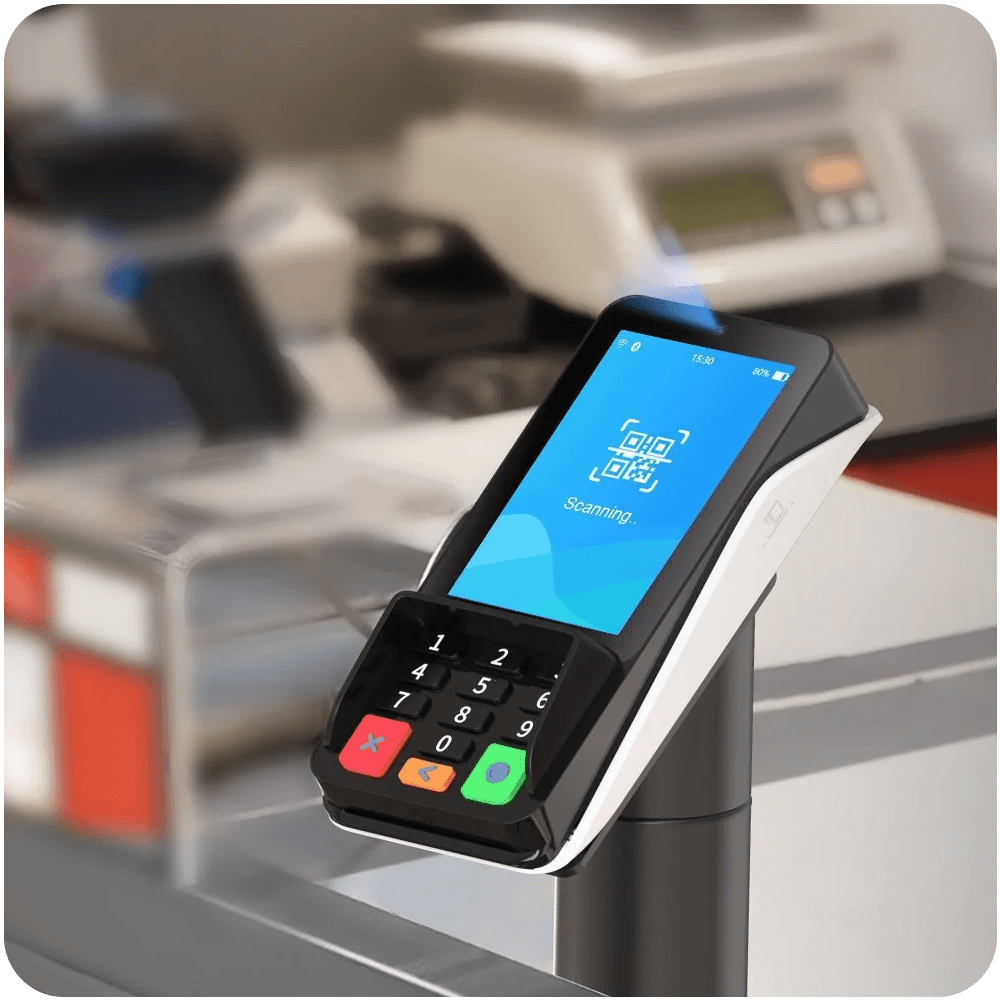
Desktop pin-pad
A compact desktop pin-pad for the till, when the station needs a dedicated payment pad and the guest pays at the register.

No terminal
Take payment without a physical terminal — for the phone, a remote checkout, or a screen. The sale still belongs to the same offering as the floor.

Online store
Connect the online store so web checkout sits with the same payment offering as the floor — not a second, disconnected checkout.
Sales, staff, and product reports from the same tickets the floor already ran.
The till already collected the day. Dashboard and reporting is how you read it — tickets, tenders, staff, and the items that moved — without exporting a tape into another tool.
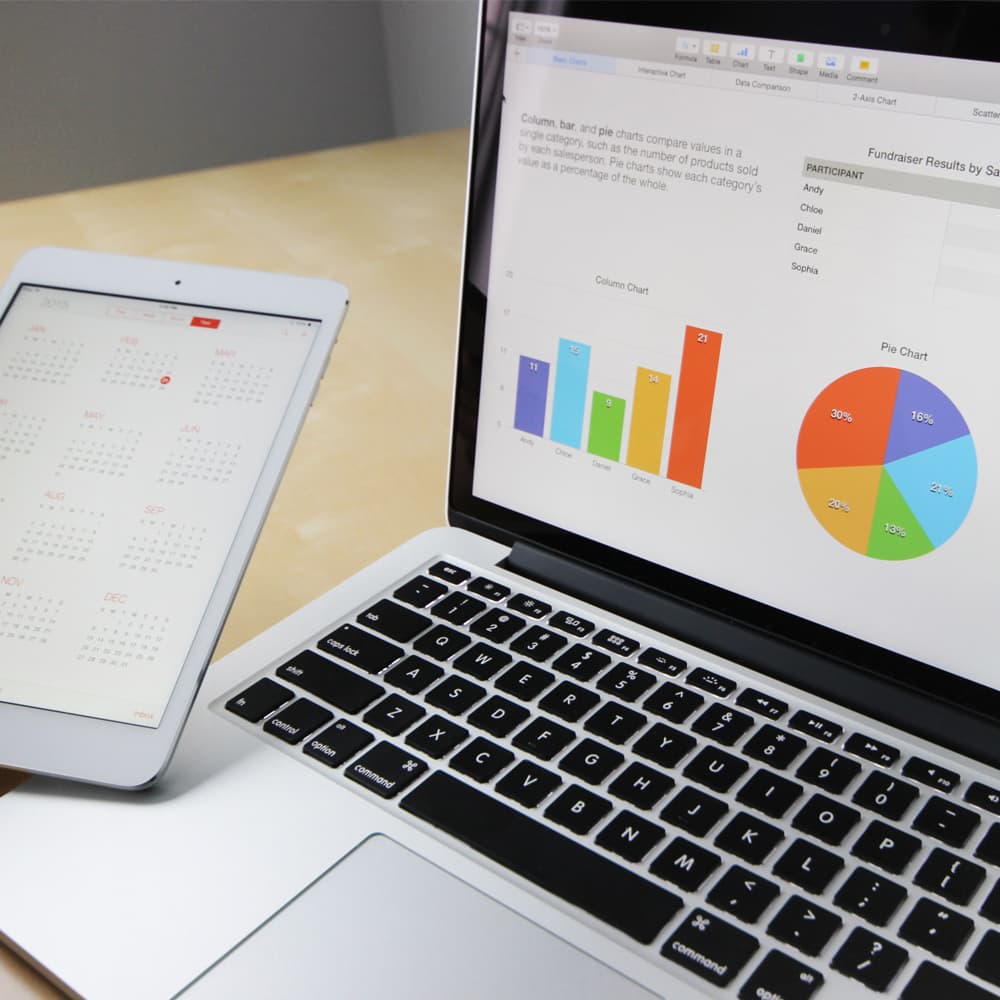
Live view
See the day as it happens — tickets, tenders, and the rooms that are busy — from a phone or a screen away from the register.
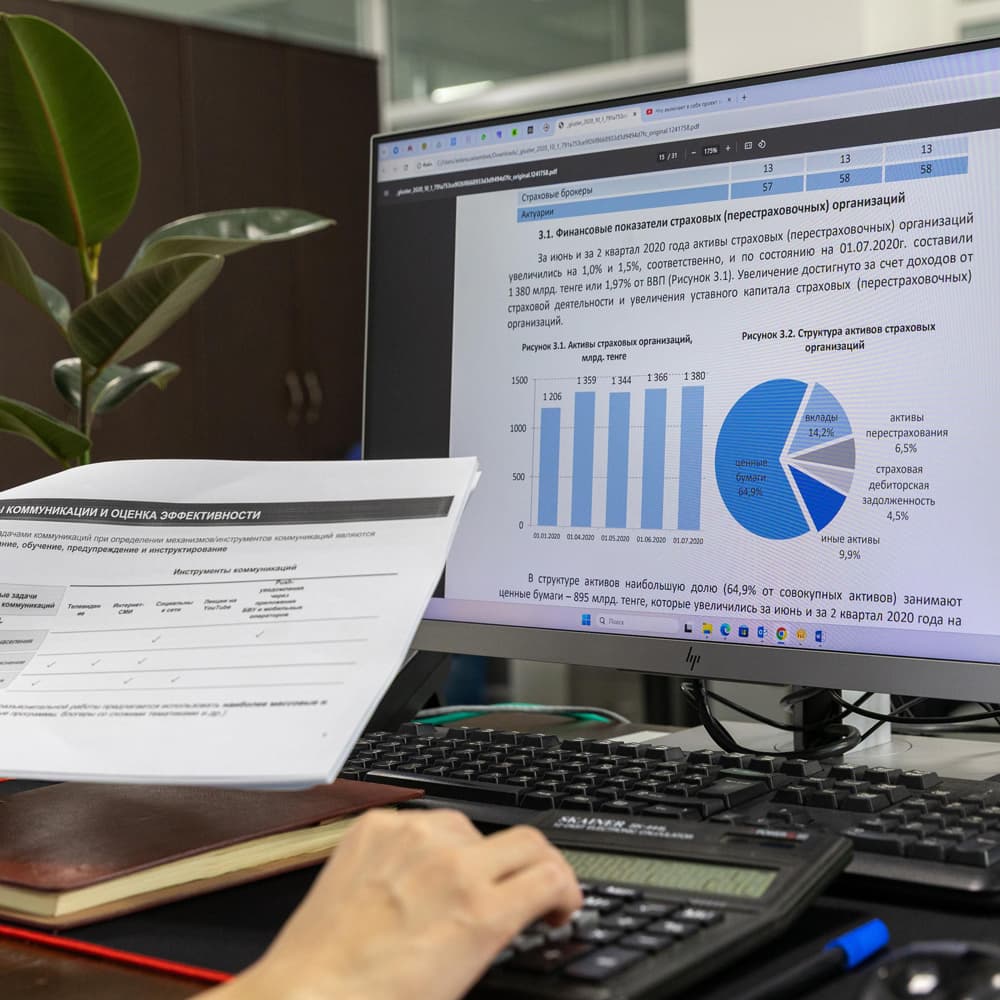
Close of day
Who sold what, which items moved, and where the money sat at close. Reports follow the same tickets the POS already took.
Menus, stock, and the close across every location, from one login.
A second location should not mean a second system. Perfectsols runs more than one room from the same offering — shared menus, stock between stores, and one view of sales across every floor.
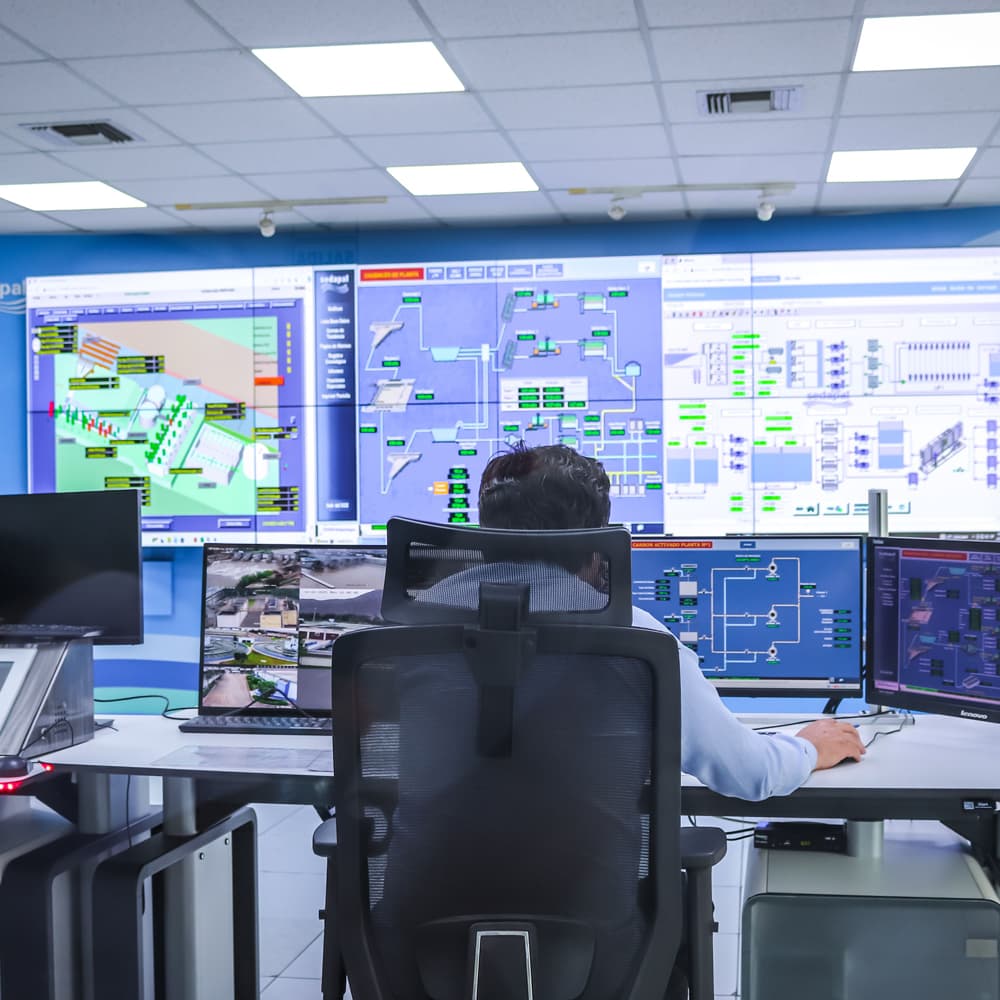
Every location
Run more than one room from one login — menus, staff, and the close — instead of a separate till in each doorway.
Stock between stores
Move stock between locations without a phone call to the other store. Counts stay on the same record the POS already uses.

One view
One view of sales across every location, so the owner is not reconciling three closes by hand.
Point of sale, menu and inventory, peripherals, reservations, payment terminals, reporting, and multi-store management.